![transak_logo_white-1.png]](https://faqs.transak.com/hs-fs/hubfs/transak_logo_white-1.png?height=40&name=transak_logo_white-1.png)
Step 1: Visit https://dashboard.transak.com/
Step 2: Choose Settings -> Products
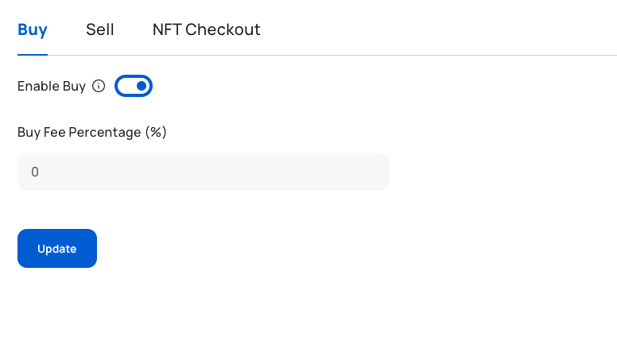
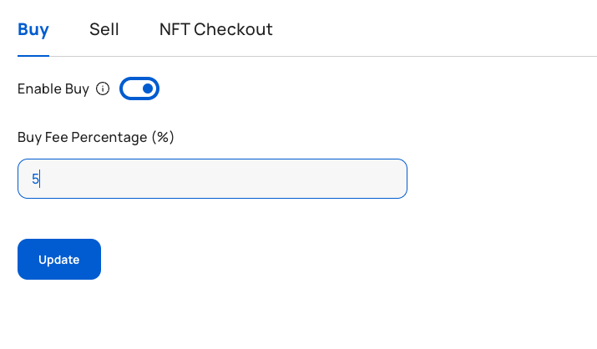
Step 3: Enter the partner fee in Enable Buy for the On-Ramp fee and Enable Sell for the Off-Ramp fee.
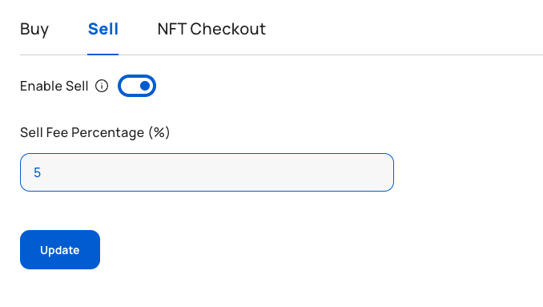
Note: By default, Enable Sell will be disabled. Please turn on the toggle to use Off Ramp services to your API key if not enabled before to user our Off Ramp services.
Step 4: Click Update CTA and save the changes.
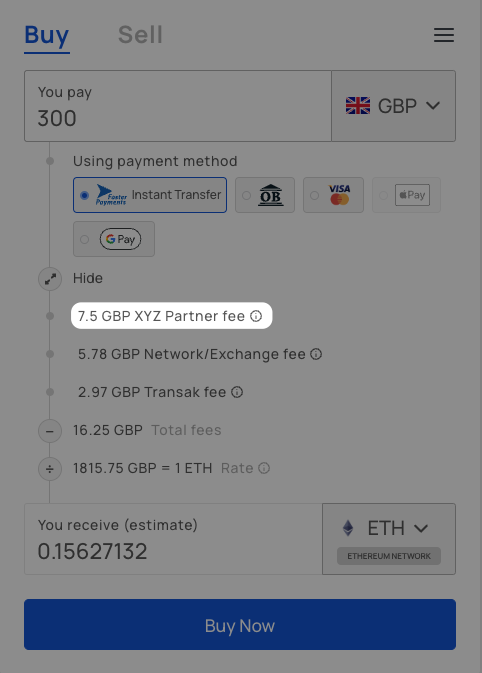
Step 5: Great! You are all set. The partner fee will now be reflected in the system.